Made by a BlackBox contributor
Free BlackBox Prep.
Right from your iPad/iPhone.
Trim, convert, and upload your stock footage to BlackBox Global over FTP — no desktop, no sign-up. Optional AI keywording with 5 free credits every month.
Download on the App Store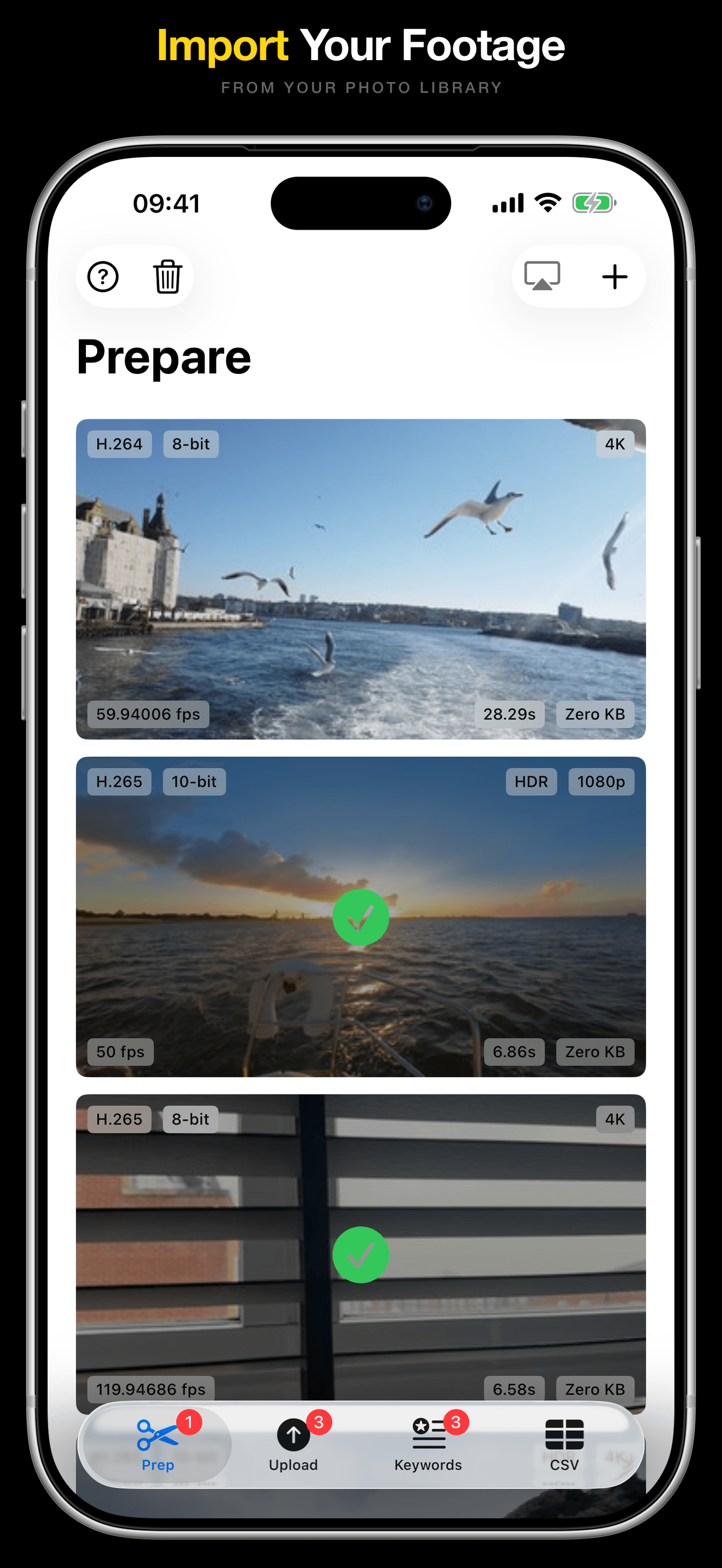
No trick, no trial
Prep and upload are free. Forever.
I'm a BlackBox contributor myself. I built Brollr because I needed it — and because nobody should pay to solve a technical compliance problem that shouldn't exist in the first place. Prep your clips to BlackBox specs, upload them over FTP, as many as you want, forever, for free.
The only paid feature is AI keywording — because running a video through an AI engine costs real money per clip. Even then, every user gets 5 free AI credits every month, so you can try it without ever paying. And if you prefer writing your own keywords, the free prep and upload workflow doesn't need AI at all.
Built for BlackBox Global contributors
Free Workflow, Optional AI
Prepare free
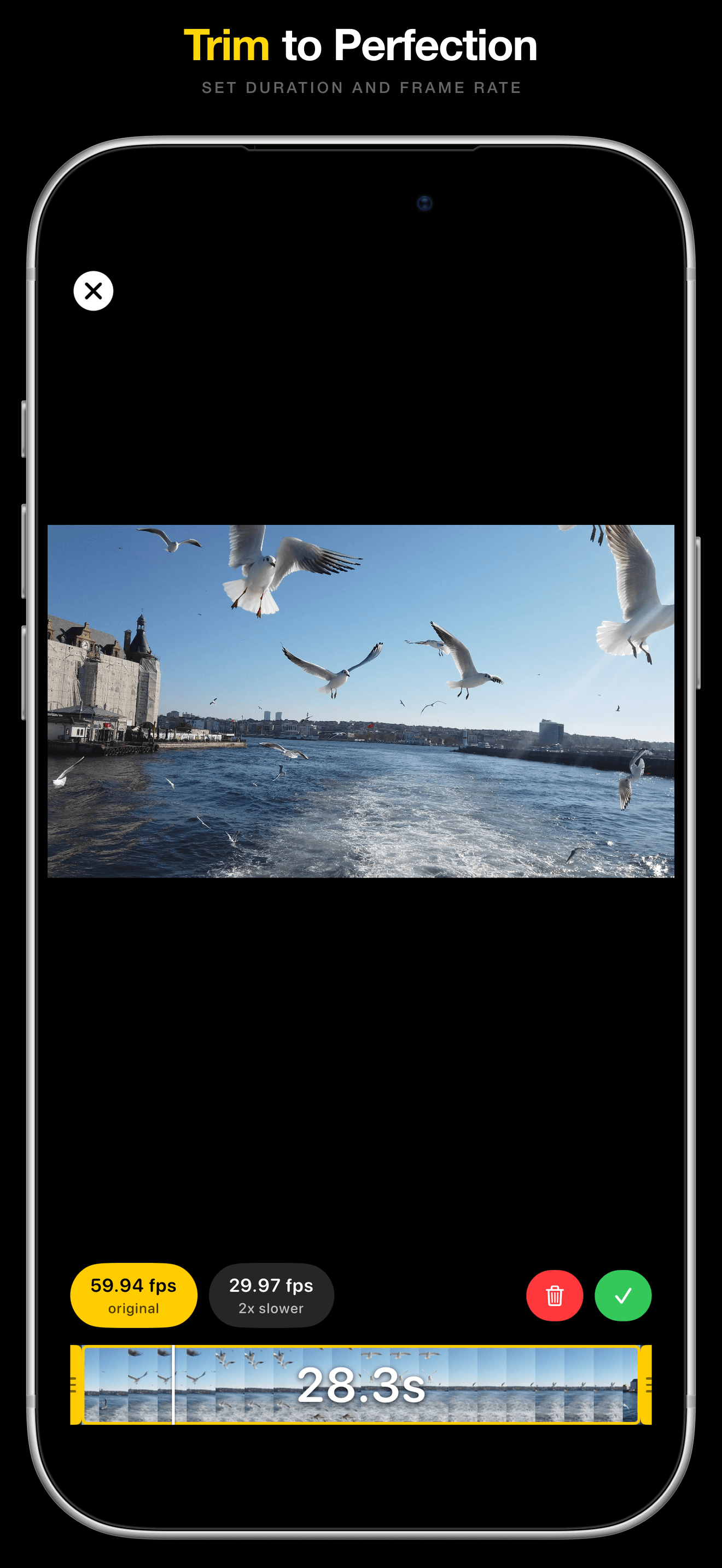
Drop in any clip. Brollr converts the frame rate, trims, strips audio, and exports at BlackBox specs. Slow-mo without quality loss. All free, all offline.
Upload free
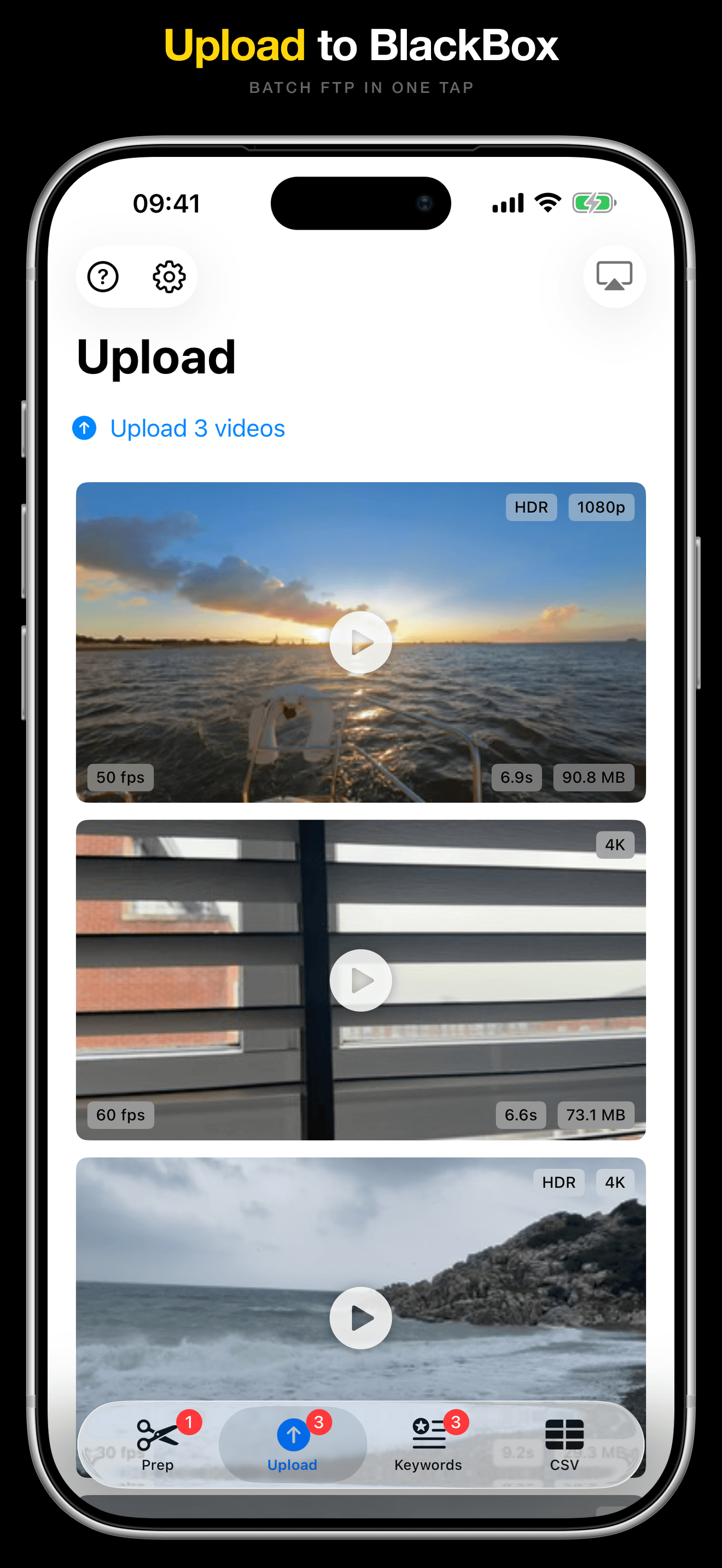
Batch FTP upload to portal.blackbox.global over TLS. Tap Upload and walk away.
AI Keyword optional, paid
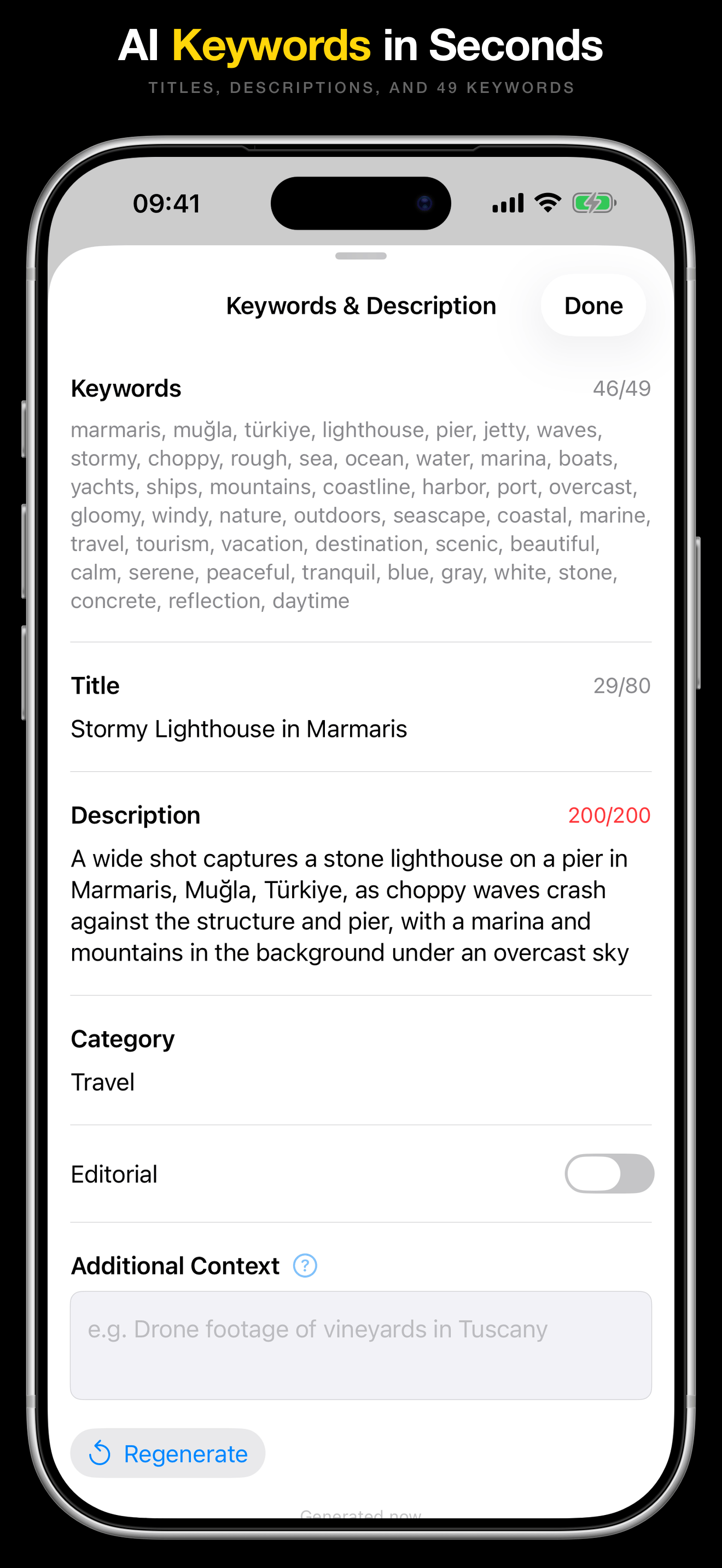
Optional AI that watches your clip and writes a title, description, and keywords in seconds. 5 free credits every month.
CSV Export optional, paid
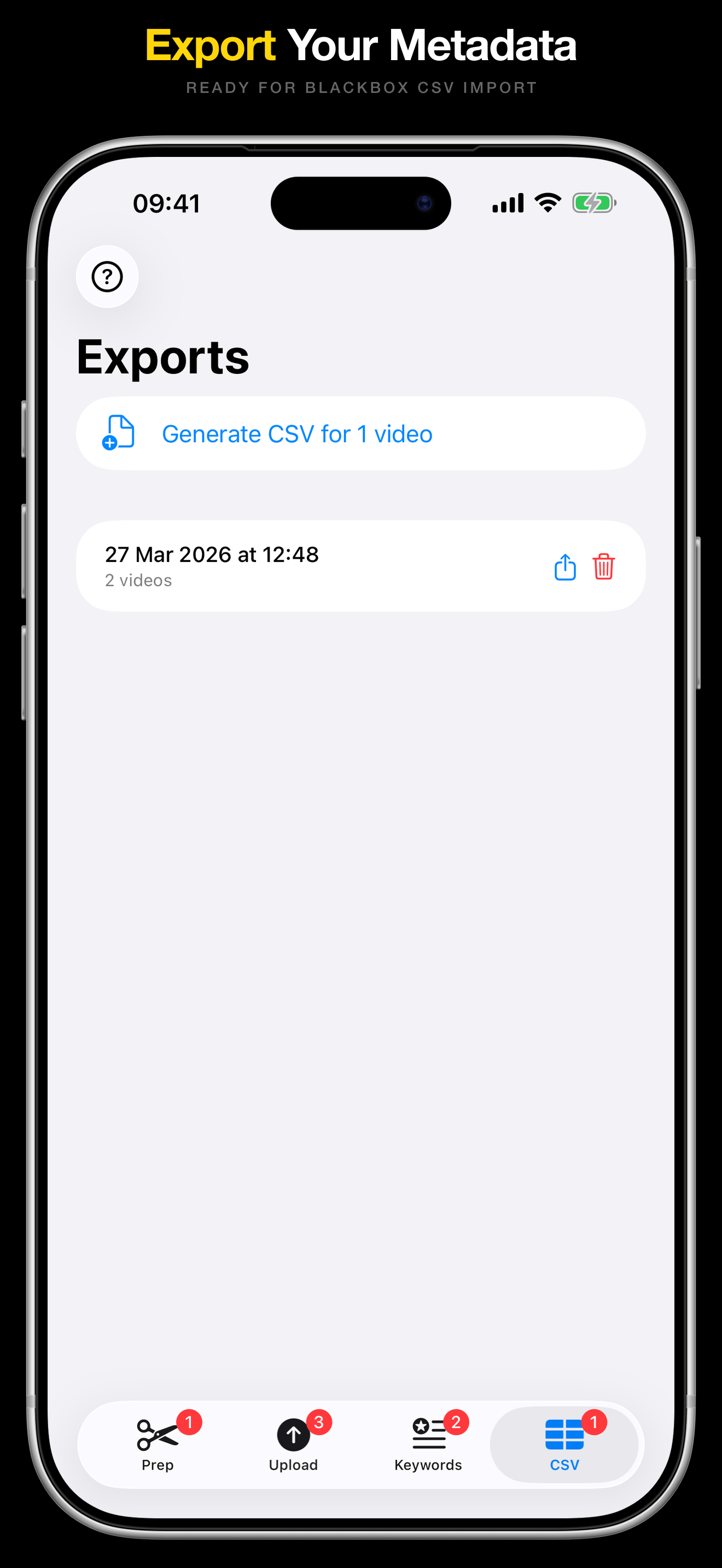
Export your metadata in the exact CSV format BlackBox expects. Pairs with AI keywording.
Try the Free Workflow Today
Free forever for prep and upload. 5 free AI credits every month. No sign-up.
Download on the App Store